
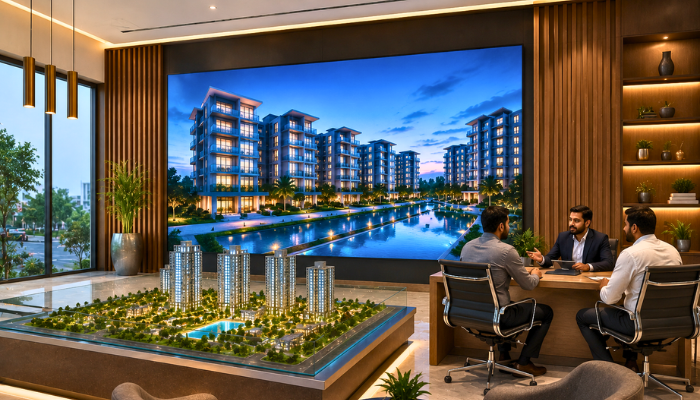
Why Real Estate Offices Need a Different LED screen Strategy
A real estate office isn’t selling a product on a shelf — it’s selling a large, expensive, mostly-invisible decision. Clients need to visualize a project that may still be under construction, compare payment plans, and trust that what’s shown matches what gets delivered. Printed brochures go out of date the moment a phase sells out or a price list updates. An LED screen solves this by keeping every visual current and letting an agent walk a client through options interactively instead of handing over a folder.
This shifts the screen’s role from “advertising display” to “sales tool” — closer to how a car showroom uses a screen than how a retail shop uses one.
Where to Place Screens in a Real Estate Office
1. Reception / Waiting Area Screen
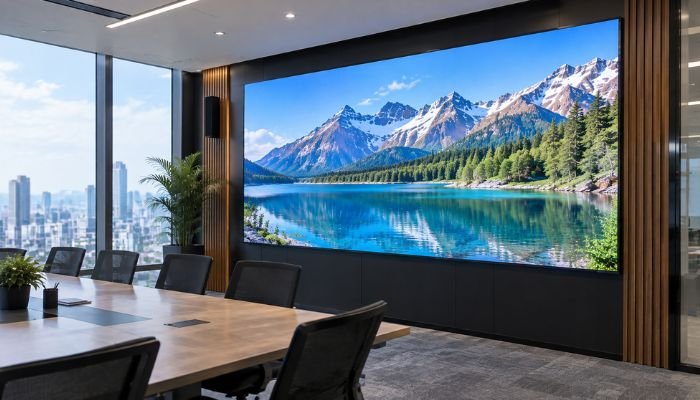
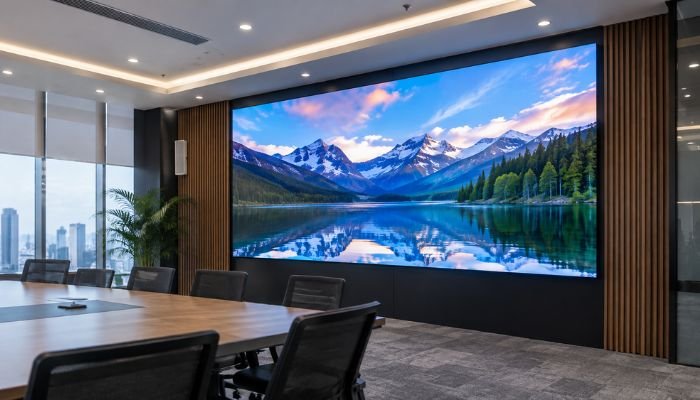
A larger screen (55″+ equivalent LED wall or a dedicated SMD panel) showing rotating project highlights, aerial drone footage, and general company credibility content while clients wait for their appointment.
2. Agent Desk / Consultation Screen
A smaller screen at each agent’s desk or in private consultation rooms, used actively during the sales conversation — pulling up specific floor plans, unit availability, and payment schedules on demand rather than passively looping content.
3. Entrance Signage
A modest outdoor or entrance-facing screen showing the company name, active project names, and a call-to-action (e.g., “New Phase Now Booking”) — functions similarly to a storefront sign but for an office environment.
Content That Works Best in Real Estate
| Content Type | Purpose |
|---|---|
| 3D project walkthroughs / drone footage | Helps clients visualize scale and layout before construction completes |
| Interactive floor plans | Lets agents zoom into specific unit layouts during consultation |
| Payment plan tables | Shows installment structures clearly, avoiding verbal miscommunication |
| Location & amenities maps | Highlights proximity to main roads, schools, and commercial areas |
| Completed vs under-construction comparison | Builds trust by showing delivery track record for past phases |
| Client testimonials (text-based, not video interviews of named individuals) | Reinforces credibility without production complexity |
Recommended Specifications
| Placement | Pixel Pitch | Brightness | Notes |
|---|---|---|---|
| Reception wall screen | P2.5 – P3 | 800–1,200 nits | Needs to render fine text and detailed maps clearly |
| Agent desk screen | P1.8 – P2.5 | 600–900 nits | Very close viewing distance during consultation |
| Entrance/lobby signage | P3 – P4 | 1,200–1,800 nits | Slightly brighter for daylight entrance areas |
Real estate content leans heavily on floor plans, fine text, and detailed maps — a finer pixel pitch than typical retail signage is worth the extra cost here, since blurry text on a payment plan table undermines the professionalism the screen is meant to project.
Practical Setup Tips
- Keep a standard template for each project (same layout structure across different developments) so agents and clients get used to reading it quickly
- Update unit availability and pricing content as soon as it changes internally — an outdated “available units” list damages trust faster than not having a screen at all
- Avoid auto-looping ambient content on the agent desk screen during active consultations; keep that screen agent-controlled, not automated
- Use the reception screen for passive browsing content and reserve the desk screen for direct client interaction
Common Mistakes to Avoid
- Running only branded promotional videos with no practical content like floor plans or payment tables
- Letting outdated project information sit on screen after prices or availability change
- Using a pixel pitch too coarse for fine text, resulting in blurry payment tables that are hard to read up close
- Treating the screen purely as decor rather than an active part of the sales process
FAQs
Q: What’s the most useful screen placement for a small real estate office?
A: A single reception-area screen showing rotating project highlights and current availability is usually the highest-value starting point before adding desk-level screens.
Q: Can one screen show floor plans clearly?
A: Yes, with a fine enough pixel pitch (P2.5 or finer) and adequate screen size — floor plans have fine detail that a coarser pitch will render blurry.
Q: Should agent desk screens run automatically or be controlled manually?
A: During active client consultations, manual control is more effective, letting the agent pull up specific units or plans as the conversation develops rather than waiting for an auto-loop.
Q: How often should real estate screen content be updated?
A: As soon as pricing, availability, or phase status changes — outdated information on a real estate screen is more damaging to trust than in most other industries.
Q: Is a screen a replacement for printed brochures?
A: Not necessarily a full replacement, but it reduces reliance on printed material that goes out of date, especially for pricing and availability details that change frequently.