
| ⚡ TL;DR — Quick Answer
The Unilumin Umini P1.56 indoor SMD screen is a fine-pitch fixed-installation LED module built for control rooms, boardrooms, and broadcast environments where viewers sit roughly 1.5 to 5 meters from the wall. It delivers 600 nits brightness, a 3,840Hz refresh rate, 98% single-pixel black coverage, and full front maintenance at a slightly lower cost per panel than the finer P1.25 option. Before buying, match the pitch to your actual viewing distance, confirm refresh rate for camera use, and choose an authorised dealer. Pro SMD Screen supplies, installs, and supports the Umini P1.56 across Lahore, Karachi, Islamabad, Rawalpindi, and Faisalabad. |
Fine-pitch LED walls have moved well past niche broadcast use and into everyday corporate Pakistan — control rooms, boardrooms, and command centers now expect the same image density that used to be reserved for television studios. Sitting in the middle of Unilumin’s Umini P range, the Unilumin Umini P1.56 indoor SMD screen is one of the more commonly specified pitches for exactly this reason: fine enough for close-range clarity, priced sensibly against the sharper P1.25 option.
This guide covers what the P1.56 module actually is, the features that matter in practice, where it gets used across Pakistani businesses, and — since buyers rarely compare pixel-pitch options with full information — a straightforward checklist for choosing between P1.56 and its closest alternatives before signing off on a purchase.
What Is the Unilumin Umini P1.56 Indoor SMD Screen?
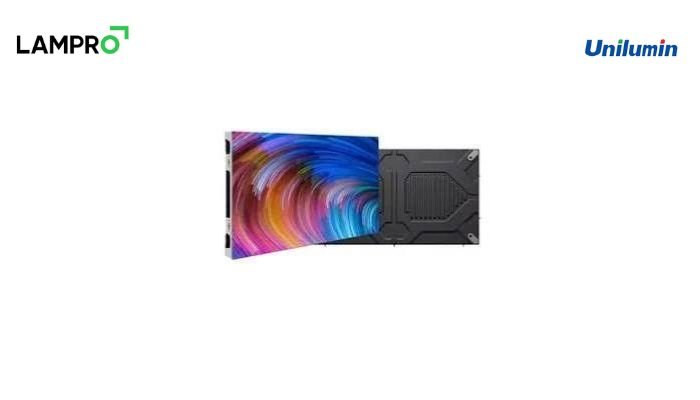
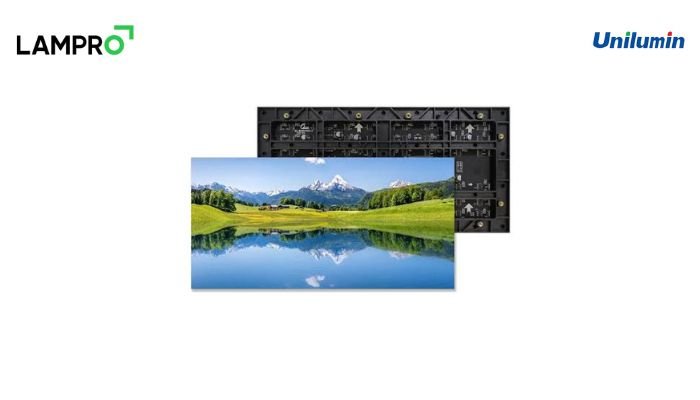
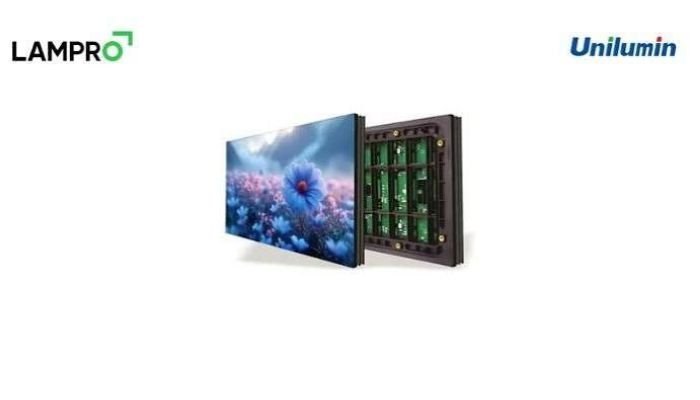
The Umini P1.56 is a fixed-configuration indoor LED module from Unilumin’s Umini P series, built on Mini SMD (RGB Fully Flip-Chip) technology. This construction method bonds the LED die directly to the circuit substrate rather than soldering a separate package on top, which gives the module a larger effective light-emitting area, more even color output, and lower power draw than older-generation SMD packaging at a comparable pitch.
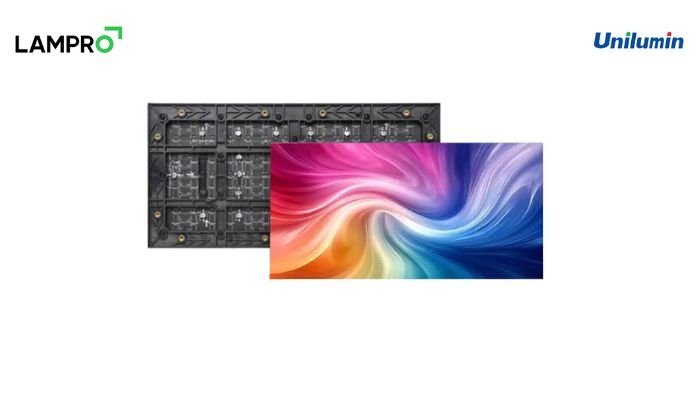
At P1.56mm, each panel delivers a resolution of 384×216 pixels, running at 600 nits brightness and drawing 70W per panel. The panel itself measures 600 × 337.55 × 39.75mm and weighs 4kg, built from die-cast aluminum for long-term structural stability. Like the rest of the Umini P family, it runs a 3,840Hz refresh rate, 19-bit processing depth, and 98% single-pixel black coverage, with a 160° viewing angle and a highly integrated 3-in-1 design combining the power supply, receiving card, and HUB into a single build.
Key Features of the Umini P1.56 Indoor SMD Screen
- 56mm pixel pitch — fine enough for close-range clarity without the premium of ultra-fine pitches
- Mini SMD (RGB Fully Flip-Chip) construction for consistent color and lower power draw
- 3,840Hz refresh rate, keeping the display flicker-free on camera as well as to the naked eye
- 98% single-pixel black coverage for genuine contrast in dark scenes and dashboards
- Full front maintenance, so individual modules can be serviced without disassembling the wall
- 160° wide viewing angle for consistent color across a room, not just dead-center
- ~40% lower energy consumption than conventional SMD panels at a comparable pitch
- Backed by Unilumin’s global manufacturing standards, deployed in 150+ countries
Where the P1.56 Indoor SMD Screen Gets Used
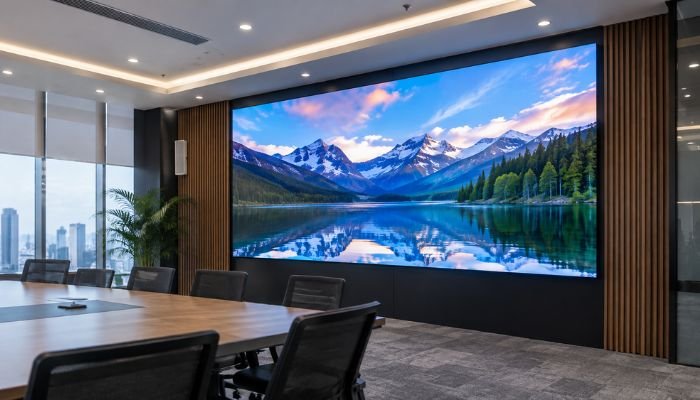
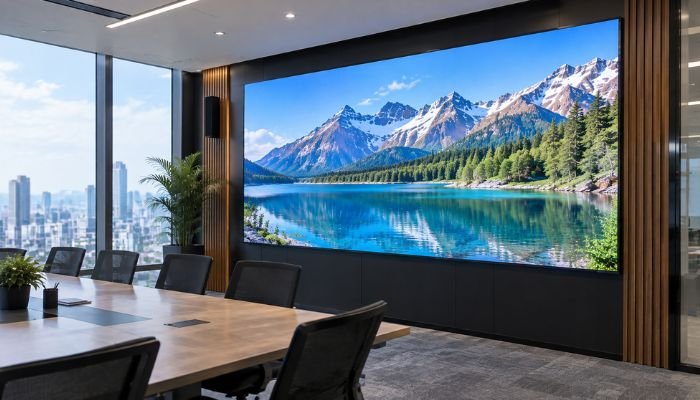
Recommended primarily for control rooms, corporate display environments, and broadcast studios, the P1.56 suits any indoor setting where viewers sit somewhere between 1.5 and 5 meters from the wall. In practice, that covers a fairly wide range of Pakistani business use cases:
- Network operations centers and larger control rooms where operators view multi-feed dashboards from a short distance
- Corporate boardrooms and executive briefing rooms used for video calls, financial dashboards, and presentations
- Broadcast studios and news backdrops where flicker-free performance under camera lighting is essential
- Reception lobbies and corporate display walls in head offices, banks, and telecom operators
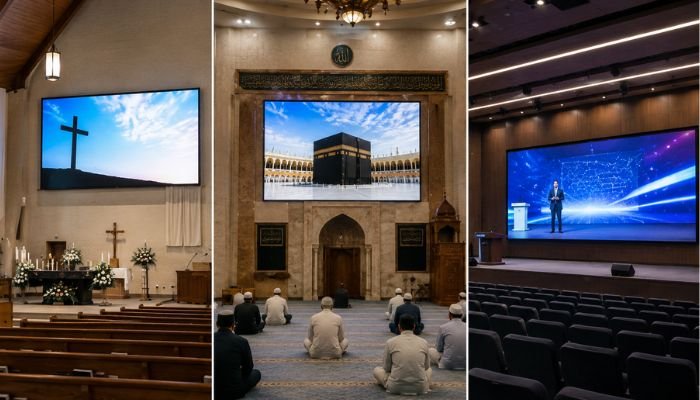
- Auditoriums and conference halls with a slightly larger average viewing distance than a boardroom
What to Check Before You Buy a P1.56 Indoor SMD Screen
Most buyers compare fine-pitch LED options on price alone, which is the fastest way to end up with a screen that’s either overkill for the room or too coarse to look sharp from where people actually sit. Here’s a practical checklist to work through first.
1. Match the Pixel Pitch to Your Actual Viewing Distance
A P1.56 screen is built for viewers roughly 1.5 to 5 meters away — closer than that and P1.25 makes more visible sense; further than that, a P1.87 or P2.5 panel does the same job for less. Our LED screen pixel pitch guide walks through the full viewing-distance calculation so you’re not guessing.
2. Verify Refresh Rate if the Screen Will Ever Be On Camera
If the wall might appear in broadcast, livestream, or video-conference footage, confirm the refresh rate comfortably exceeds standard camera frame rates. At 3,840Hz, the P1.56 clears this without issue, but not every fine-pitch panel on the market does.
3. Ask How Maintenance Actually Works
Full front maintenance — meaning modules service from the front of an installed wall — matters far more in a space-constrained control room or boardroom than it looks like on a spec sheet. Confirm this explicitly rather than assuming it applies across an entire product line.
4. Compare Energy Consumption Over the Panel’s Lifetime
A screen running 24/7 in a control room accumulates real electricity cost over several years. The roughly 40% energy saving the Umini P1.56 offers over older-generation SMD panels compounds meaningfully on a continuously operating installation.
5. Confirm Dealer Credentials and After-Sales Support
A fine-pitch wall is only as reliable as the installation and calibration behind it. Buy through an authorised Unilumin dealer with a documented service history rather than a reseller offering the lowest quote with no clear after-sales plan.
6. Request a Site Assessment Before Finalizing Pixel Pitch
Room dimensions, lighting conditions, and content type (text-heavy dashboards versus video) all affect which pitch actually performs best in a given space. A proper site assessment, not a generic recommendation, should confirm P1.56 is the right call before you commit.
Umini P1.56 Compared to Other Fine-Pitch Options
The table below places the P1.56 against its closest siblings in Unilumin’s Umini P and ULW III Pro ranges, so you can see where it sits before making a final call.
| Model | Pixel Pitch | Resolution/Panel | Best Viewing Distance |
| Umini P1.25 | 1.25mm | 480×270 | 1.2m – 4m |
| Umini P1.56 | 1.56mm | 384×216 | 1.5m – 5m |
| Umini P1.87 | 1.87mm | 320×360 | 1.8m – 6m |
| ULW III Pro P1.5 | 1.5mm | Varies by config | 1.5m – 5m |
| ULW III Pro P2.5 | 2.5mm | Varies by config | 2.5m – 8m |
For rooms where viewers sit within arm’s length, P1.25 remains sharper. For rooms where the average viewing distance runs past 5 meters — larger boardrooms, conference halls, and auditoriums — P1.87 or a ULW III Pro P2.5 configuration typically delivers equivalent perceived clarity at a lower cost per panel. P1.56 sits squarely in between, which is exactly why it’s one of the more frequently specified pitches for general corporate and control-room use in Pakistan.
What Changes for Businesses After Installing a P1.56 Wall
The difference a fine-pitch screen makes tends to show up less in the marketing brochure and more in daily use. Control-room teams running multi-window dashboards report that small text and feed boundaries stay legible even when a wall is split into eight or more panes — something a coarser pixel pitch struggles with at close range. Boardrooms notice it during video calls and financial presentations, where dense spreadsheets and small chart labels remain readable from anywhere around the table, not just the seats closest to the screen.
There’s also a maintenance dimension that’s easy to overlook before installation but becomes obvious afterward. Full front maintenance means a faulty module gets swapped out during a short service window without disturbing the rest of the wall or requiring access from behind — a meaningful advantage in control rooms and boardrooms where the space behind the display is often built into the wall itself with no rear clearance. Combined with the roughly 40% lower energy draw compared with older SMD technology, the total cost of running a P1.56 wall over several years tends to compare favorably against panels that looked cheaper on the initial quote.
Why Choose Pro SMD Screen for Your Unilumin Umini P1.56 Installation
Pro SMD Screen is an authorised dealer for Unilumin in Pakistan, supplying, installing, and supporting the Umini P1.56 and the wider Umini P and ULW III Pro ranges across Lahore, Karachi, Islamabad, Rawalpindi, and Faisalabad. Beyond the panel itself, the team handles structural assessment, calibration, and after-sales support — the details that decide whether a control-room or boardroom wall keeps performing years after installation. If your room calls for even finer detail at closer viewing distances, this Umini P1.25 guide covers where that finer pitch pays off. Businesses can also review the Unilumin Umini P1.56 product page directly for full specifications before requesting a site-specific quote.
Frequently Asked Questions
Q: What is the ideal viewing distance for a P1.56 indoor SMD screen?
A: Roughly 1.5 to 5 meters, depending on ambient lighting and content type. Closer than that, a finer P1.25 pitch shows sharper detail; further than that, a coarser pitch works just as well for less.
Q: Is the Umini P1.56 suitable for outdoor use?
A: No. It’s an indoor-rated module without outdoor weatherproofing; outdoor installations need an IP-rated panel built for heat, dust, and monsoon exposure.
Q: How does P1.56 compare to P1.25 in practice?
A: P1.56 has a slightly coarser pixel pitch, so it needs a little more viewing distance to look equally sharp, but it typically costs less per panel — a sensible trade-off for rooms where viewers aren’t standing at arm’s length.
Q: What refresh rate does the Umini P1.56 run at?
A: 3,840Hz, which keeps the display flicker-free both to the human eye and to broadcast cameras.
Q: How much power does a P1.56 panel consume?
A: 70W per panel at 600 nits brightness, with Unilumin rating the module at roughly 40% lower energy consumption than conventional SMD panels at a comparable pitch.
Q: Can I mix P1.56 panels with other Umini P pitches on the same wall?
A: No. Pixel pitch needs to stay consistent across a single video wall for uniform resolution and color; different pitches should be used for separate, clearly defined display areas instead.
Final Thoughts
The Unilumin Umini P1.56 indoor SMD screen occupies a practical middle ground in Unilumin’s fine-pitch lineup — sharp enough for close-range control-room and boardroom viewing, without the added cost of the finest available pitch. For most Pakistani businesses installing a control room, corporate command center, or broadcast backdrop, it’s the pitch that balances image quality against budget most sensibly. Before finalizing a purchase, confirm your room’s actual viewing distance, verify refresh rate and maintenance access, and work with an authorised dealer who can back the installation with real after-sales support. Pro SMD Screen can assess your space, confirm whether P1.56 is the right fit, and handle the full installation for businesses in Lahore, Karachi, Islamabad, Rawalpindi, and Faisalabad.
| Ready to Install the Unilumin Umini P1.56 Indoor SMD Screen?
Get a free site assessment and quote from Pro SMD Screen, Pakistan’s authorised Unilumin dealer — serving Lahore, Karachi, Islamabad, Rawalpindi, and Faisalabad. 📞 +92 321 4086763 | ✉ info@prosmdscreen.com | www.prosmdscreen.com |