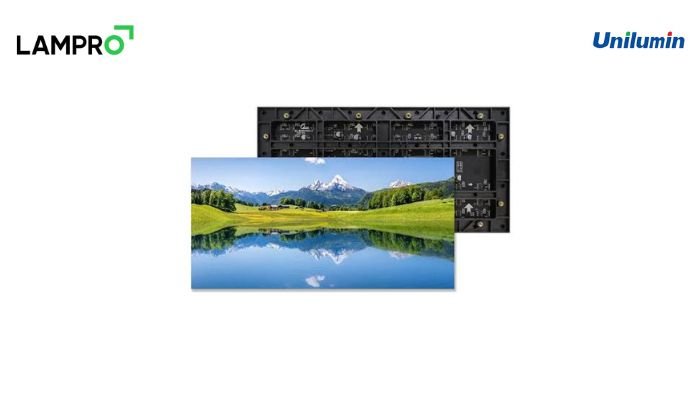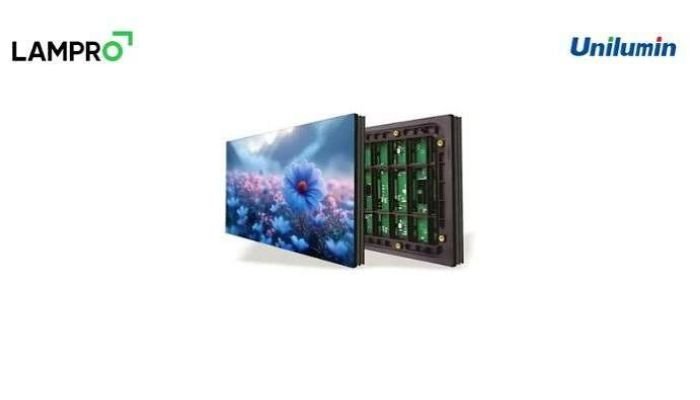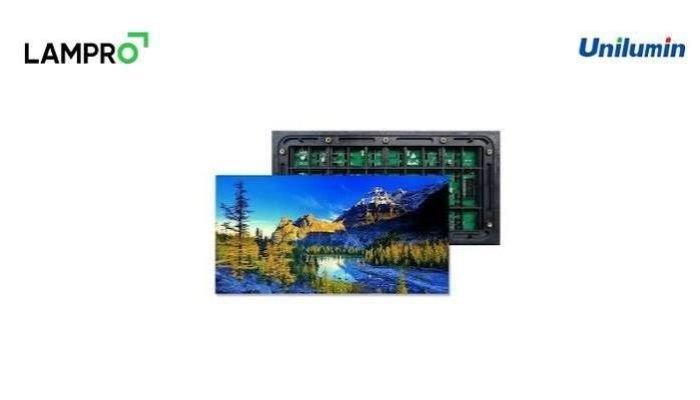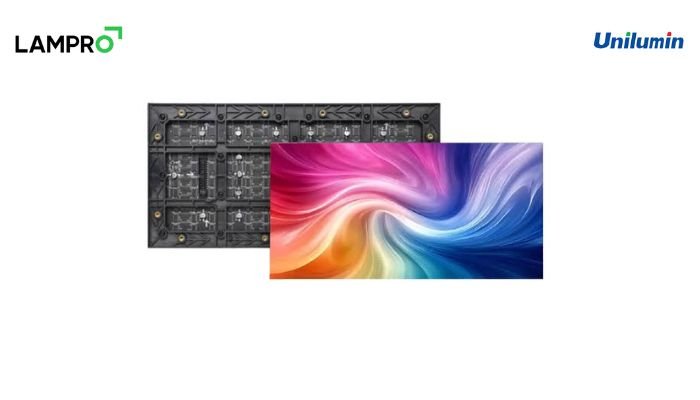
Quick Answer: Buying a commercial SMD screen in Pakistan requires evaluating pixel pitch (P1.86–P2.5 for indoor, P4–P6 for outdoor), viewing distance, nits brightness (800–1,200 nits indoor vs 6,500+ nits outdoor), and refresh rates (3840Hz) rather than searching for static pricing. Pro SMD Screen delivers enterprise Unilumin, Hikvision, LAMPRO, and Absen SMD screen hardware with nationwide turnkey installation and warranty.
Why Specs Matter More Than Price
Most businesses that search for an SMD screen in Pakistan start with one question: how much does it cost? It is understandable, but it is also the fastest way to buy the wrong screen. An SMD LED display is not a single product. It is a combination of pixel pitch, cabinet design, LED chips, driver ICs, power supplies and a control system, and each of these changes both performance and the final quote.
Two screens of the same size can differ sharply in sharpness, brightness and lifespan. A buyer who compares quotations without comparing specifications is really comparing unknowns. This guide walks through the decisions that actually matter, so that whether you run a showroom in Lahore, a corporate office in Karachi or a marriage hall in Faisalabad, you can brief a supplier with confidence.
Tip 1: Match Pixel Pitch to Viewing Distance
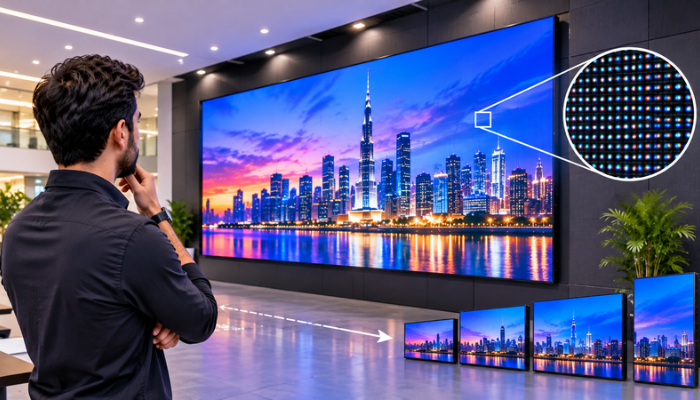
Pixel pitch is the distance, in millimetres, between the centres of two neighbouring LED pixels. A smaller number means a denser pixel grid and a sharper picture at close range. The practical rule is simple: the minimum comfortable viewing distance in metres is roughly equal to the pixel pitch in millimetres. A P2.5 screen reads cleanly from about 2.5 metres, while a P6 screen looks best from around 6 metres or more.
For indoor spaces such as boardrooms, retail stores, reception areas and auditoriums, P1.86 to P2.5 is the usual commercial sweet spot. It gives a crisp image for text, logos and video without pushing the budget into fine-pitch territory that most businesses do not need. For outdoor billboards, facades and roadside advertising, P4 to P6 is common, because the audience is further away and a coarser pitch performs well while keeping the project practical.
Do not over-buy resolution. A P1.2 display in a hall where people sit ten metres away adds cost without adding visible quality. Equally, do not under-buy: a P10 screen in a small showroom will look pixelated to anyone standing close.
Tip 2: Choose Brightness for the Environment
Brightness is measured in nits. Indoor screens normally operate between 800 and 1,200 nits, which is bright enough to stay readable under office lighting without causing eye strain or washing out colours. Pushing an indoor screen far beyond that makes it uncomfortable to look at and wastes power.
Outdoor screens are a different category. Direct sunlight in Pakistani summers is intense, and an outdoor SMD screen needs 6,500 nits or more to remain legible at midday. Semi-outdoor locations, such as a shopfront window facing the sun or a covered entrance, sit in between, and a supplier should recommend a brightness level based on the actual site rather than a generic label.
A good screen also supports automatic brightness adjustment through a light sensor. This protects viewers at night and reduces electricity consumption, which matters when a display runs many hours every day.
Indoor vs Outdoor SMD Screens: Technical Comparison
Here is the technical matrix in plain terms, so you can see how the two categories differ before you speak to any supplier.
Indoor SMD screen
- Pixel pitch: typically P1.86 to P2.5 for commercial use
- Brightness: roughly 800 to 1,200 nits
- Protection rating: usually IP30 to IP40, suitable for dry, controlled interiors
- Typical applications: boardrooms, retail stores, restaurants, auditoriums, reception walls, showrooms, event stages
Outdoor SMD screen
- Pixel pitch: typically P4 to P6 for advertising and facade use
- Brightness: 6,500 nits and above
- Protection rating: IP65 on the front and IP54 or higher at the rear, built to resist rain, dust and humidity
- Typical applications: roadside billboards, building facades, shopping plazas, petrol stations, stadium and event displays
Use this as a starting checklist. If a quotation does not state all four of these values clearly, ask for them before you proceed.
Tip 3: Check Refresh Rate and Grayscale
Refresh rate decides how stable the image looks on camera and to the eye. A rate of 3840Hz is the benchmark for a professional commercial display. Lower rates can produce visible flicker and scan lines when filmed on a phone, which is a serious problem for anyone using the screen for live events, studios, social media content or video calls.
Grayscale depth matters too. Higher grayscale means smoother gradients and richer colour, especially in dark scenes. Ask for the driver IC brand and the grayscale level in writing, because these two details separate premium panels from budget ones that look acceptable only in a showroom demo.
Tip 4: Verify Ingress Protection and Build Quality
For outdoor installations, the IP rating is not a marketing figure; it decides whether the screen survives monsoon rain, dust storms and Pakistani summer heat. Check that the cabinet is made of rust-resistant material, that the modules are sealed properly, and that the power supplies are protected from moisture.
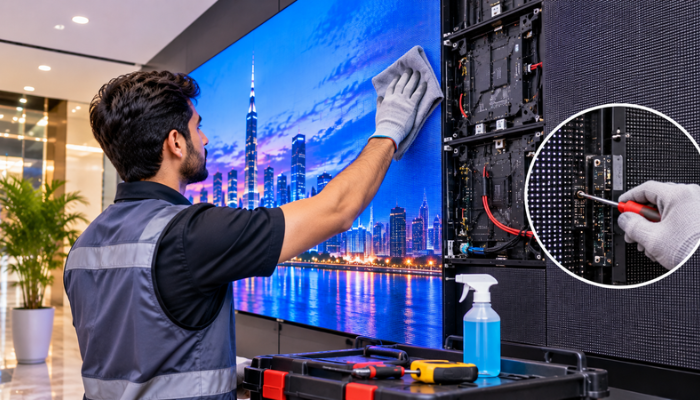
Indoors, look at cabinet flatness, seam alignment and serviceability. Front-service cabinets make maintenance easier when the screen is mounted flush against a wall, because technicians do not need rear access. Heat dissipation also deserves attention, since poorly ventilated cabinets shorten LED life.
Tip 5: Buy a Recognised Brand, Not Just a Screen
The LED chip, driver IC and power supply determine long-term reliability. This is why brand credentials matter. Established manufacturers such as Unilumin, Hikvision, LAMPRO and Absen publish consistent specifications, maintain quality control and support their products with spare parts and technical documentation.
Ask the supplier to confirm that the hardware is genuine, that it comes with documentation, and that replacement modules will remain available years from now. A screen that cannot be repaired because the module batch has been discontinued becomes an expensive wall decoration.
Tip 6: Look at Installation, Content Control and Warranty
A display is only as good as its installation. Structural support, electrical load, grounding, cable routing and ventilation all need professional planning. A supplier that offers turnkey service, covering site survey, structure, installation, calibration and commissioning, removes the risk of coordinating several contractors.
Content control is the next question. Confirm what software will manage your screen, whether it supports scheduling, remote updates from a laptop or phone, and multiple input sources. Finally, read the warranty terms carefully. Understand what is covered, for how long, whether modules and power supplies are included, and how quickly service engineers can reach your city.
Finding the Best SMD Screen in Lahore and Other Cities
If you are searching for the best SMD screen in Lahore, local presence matters as much as the hardware. Lahore buyers should look for a supplier with a physical office, a showroom or demo capability, and an in-house installation team. The same applies in Karachi, Islamabad, Rawalpindi and Faisalabad. After-sales response time is what you will remember long after the purchase, so ask where the service team is based and how a fault is handled.
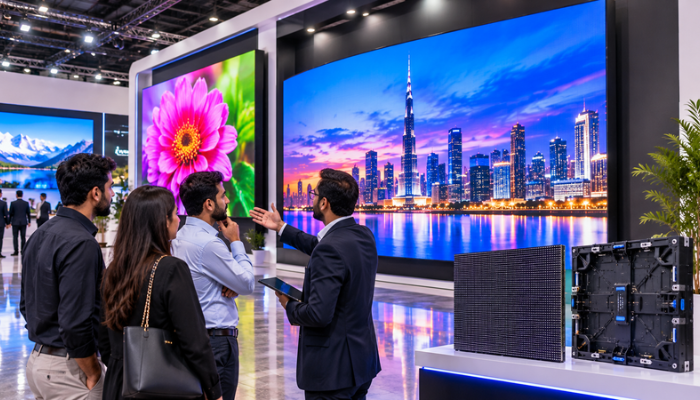
Ask to see a working screen at your intended pixel pitch before you commit. Photos and brochures never show flicker, colour uniformity or viewing-angle problems as clearly as a live demonstration.
Common Mistakes to Avoid
Businesses most often go wrong in a few predictable ways. They choose a pixel pitch based on budget instead of viewing distance. They buy an indoor screen for a semi-outdoor location. They ignore refresh rate until the screen is filmed. They accept vague brand claims without documentation, and they skip the warranty details. Avoiding these five mistakes already puts you ahead of most buyers.
Frequently Asked Questions
What pixel pitch is best for an indoor SMD screen in Pakistan? For most commercial interiors, P1.86 to P2.5 offers the best balance of clarity and practicality. Choose the pitch according to how far your closest viewer will stand.
How bright should an outdoor SMD screen be? An outdoor screen should deliver 6,500 nits or more so that content stays visible in direct sunlight. Indoor screens only need around 800 to 1,200 nits.
Why is a 3840Hz refresh rate recommended? A 3840Hz refresh rate keeps the picture stable and flicker-free to the eye and to phone or broadcast cameras, which is essential for events, studios and social media content.
Which SMD screen brands are reliable? Unilumin, Hikvision, LAMPRO and Absen are widely recognised for consistent quality, documentation and spare-part availability. Always confirm the hardware is genuine.
Should I ask for a fixed price before choosing specifications? No. Define pixel pitch, brightness, IP rating, refresh rate and installation scope first. A meaningful quotation can only follow once these are clear.
Conclusion
Buying an SMD screen in Pakistan becomes straightforward once you replace the question “what is the price?” with “what do I need?” Define your viewing distance, environment, brightness, refresh rate and protection level, then compare suppliers on brand quality, installation and warranty. Pro SMD Screen supplies Unilumin, Hikvision, LAMPRO and Absen SMD screen hardware with nationwide turnkey installation and warranty support. Contact the team at 658 B Block, Faisal Town, Lahore, or reach the Karachi office to arrange a site survey and live demo.